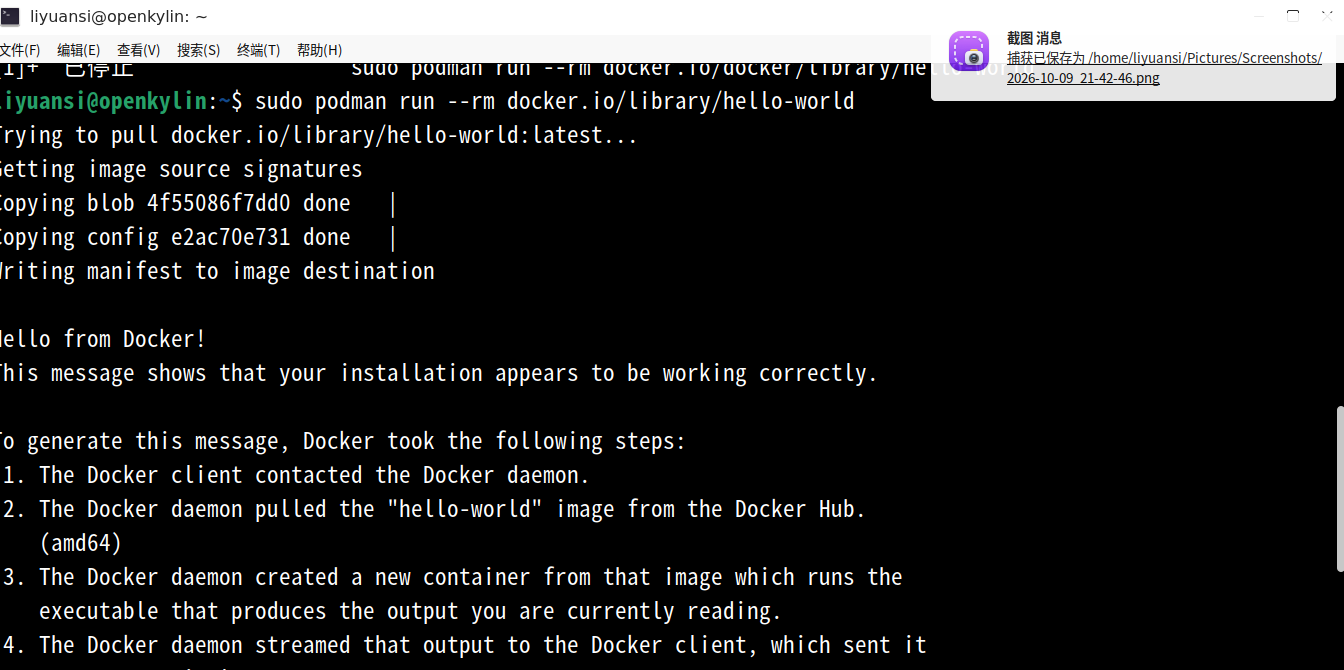
openKylin 运行 容器 podman helloworld
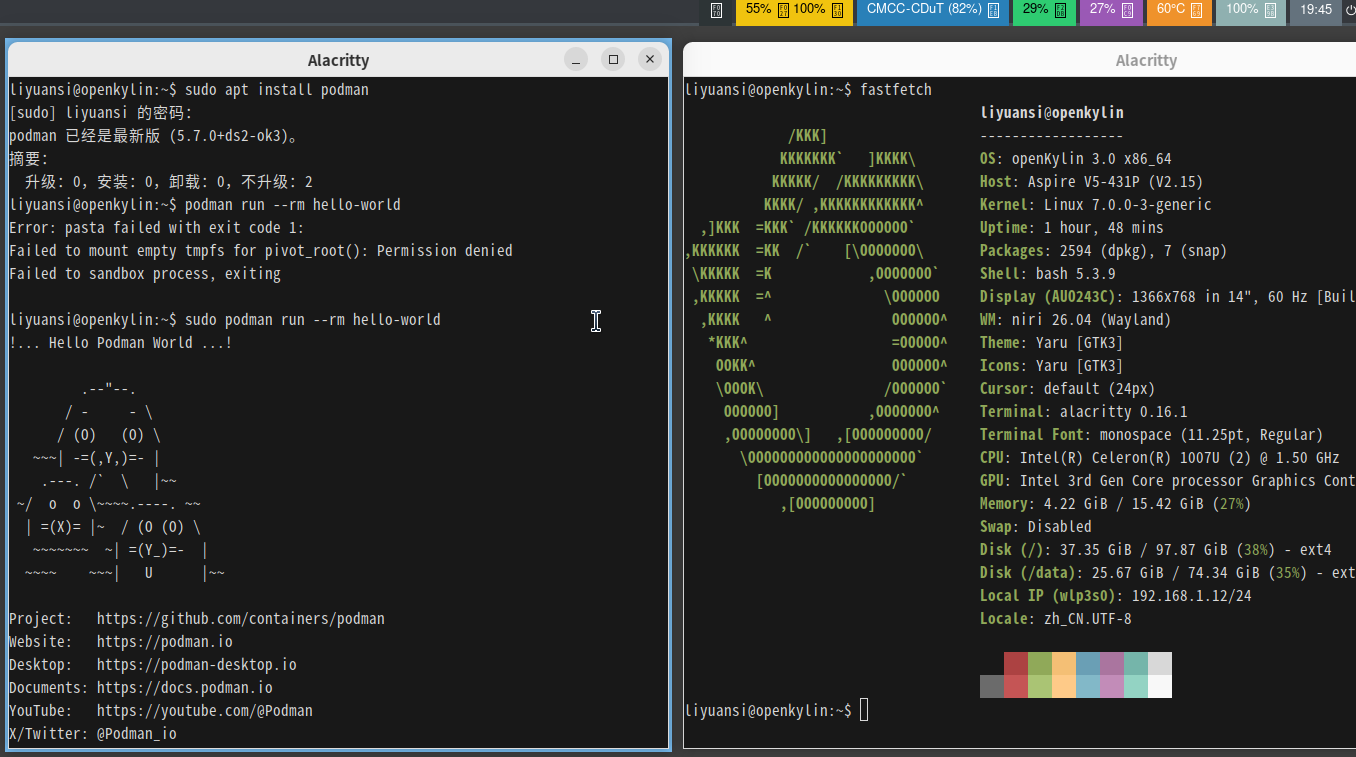
就三句,
第一。安装容器。
sudo apt install podman
第二。运行 padman helloworld
sudo podman run --rm hello-world
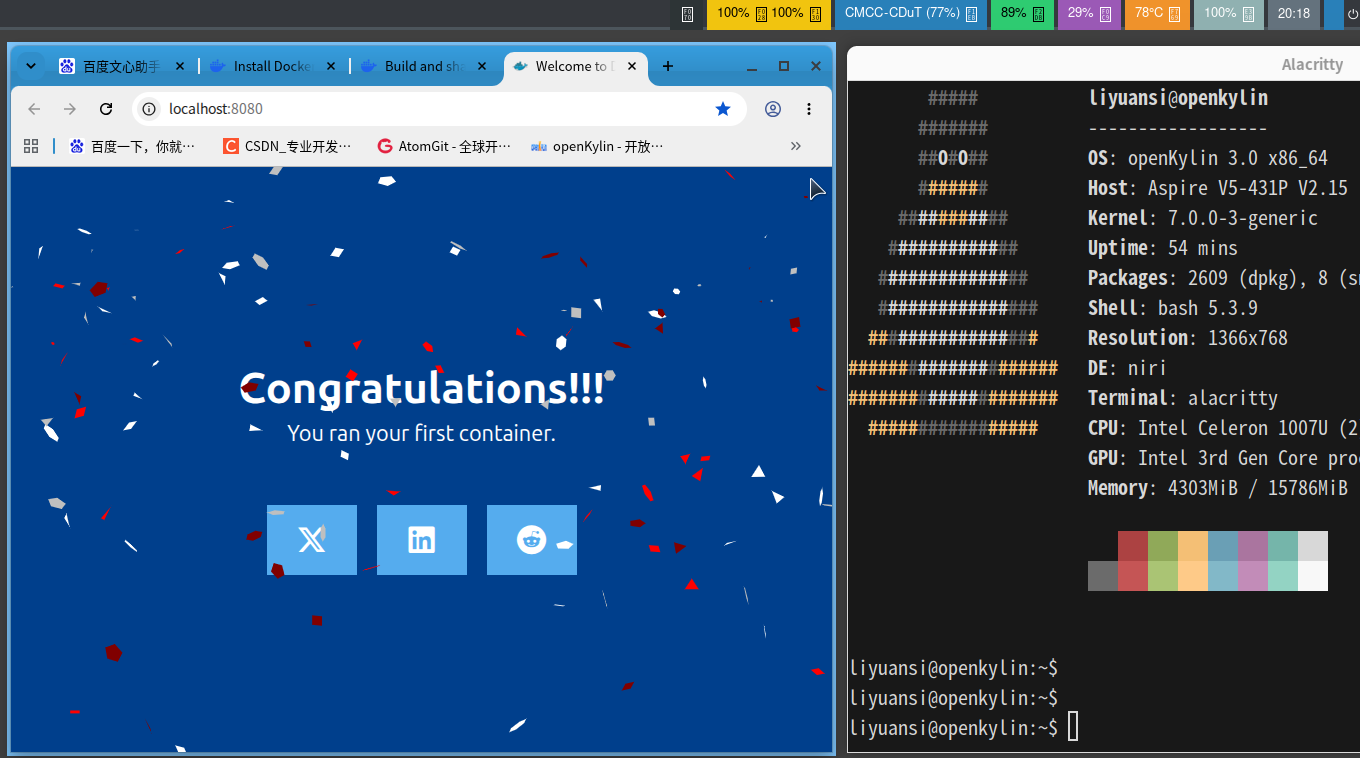
出 那个图标,就表示跑通了。
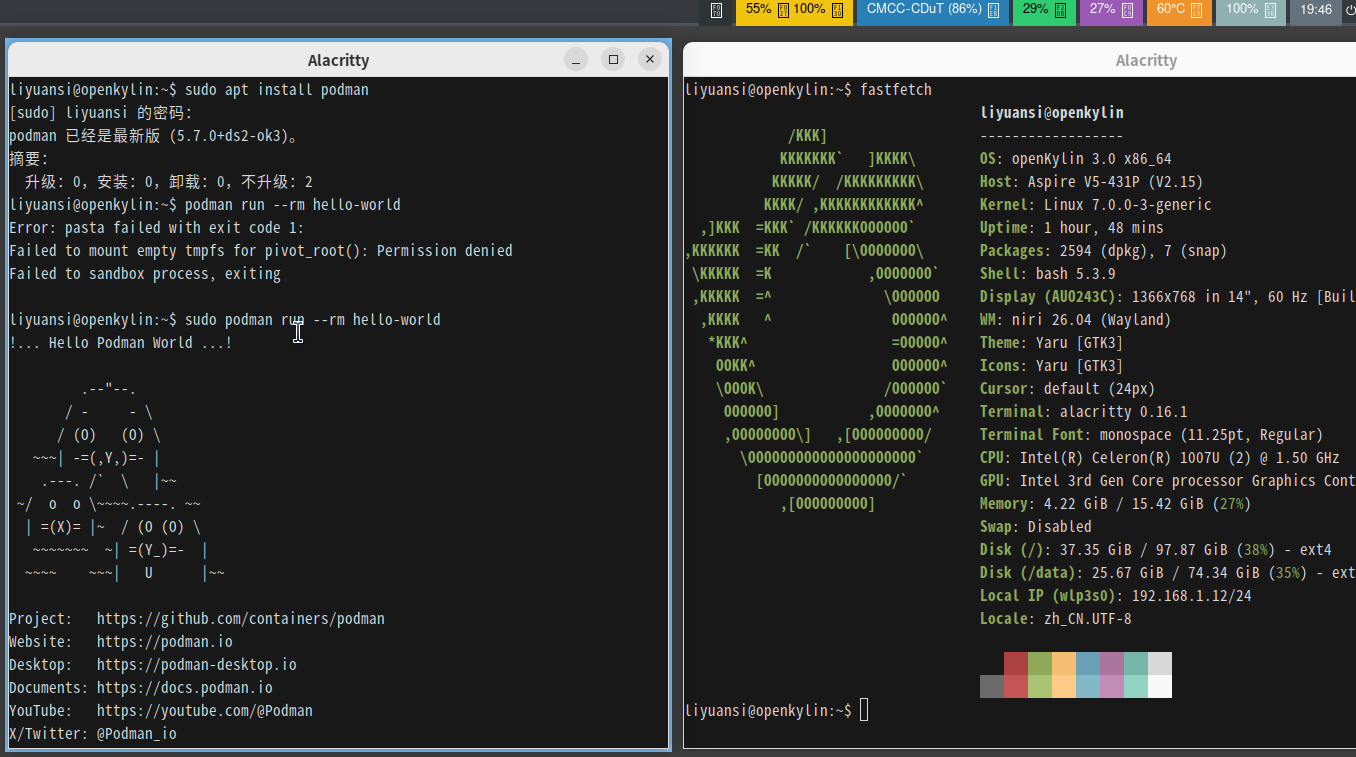
第三。 挂载源码编译运行 Swift 包。试试在容器里运行 swift helloworld 输出 helloworld
直接拉 Swift 镜像
podman run --cap-add sys_ptrace -it --rm docker.io/library/swift:latest swift
容器里运行 swift helloworld
sudo podman run --cap-add sys_ptrace -it --rm -v “$PWD:/src” -w /src swift:latest swift run hello.swift
你要在项目跟目录下有hello.swift 程序。
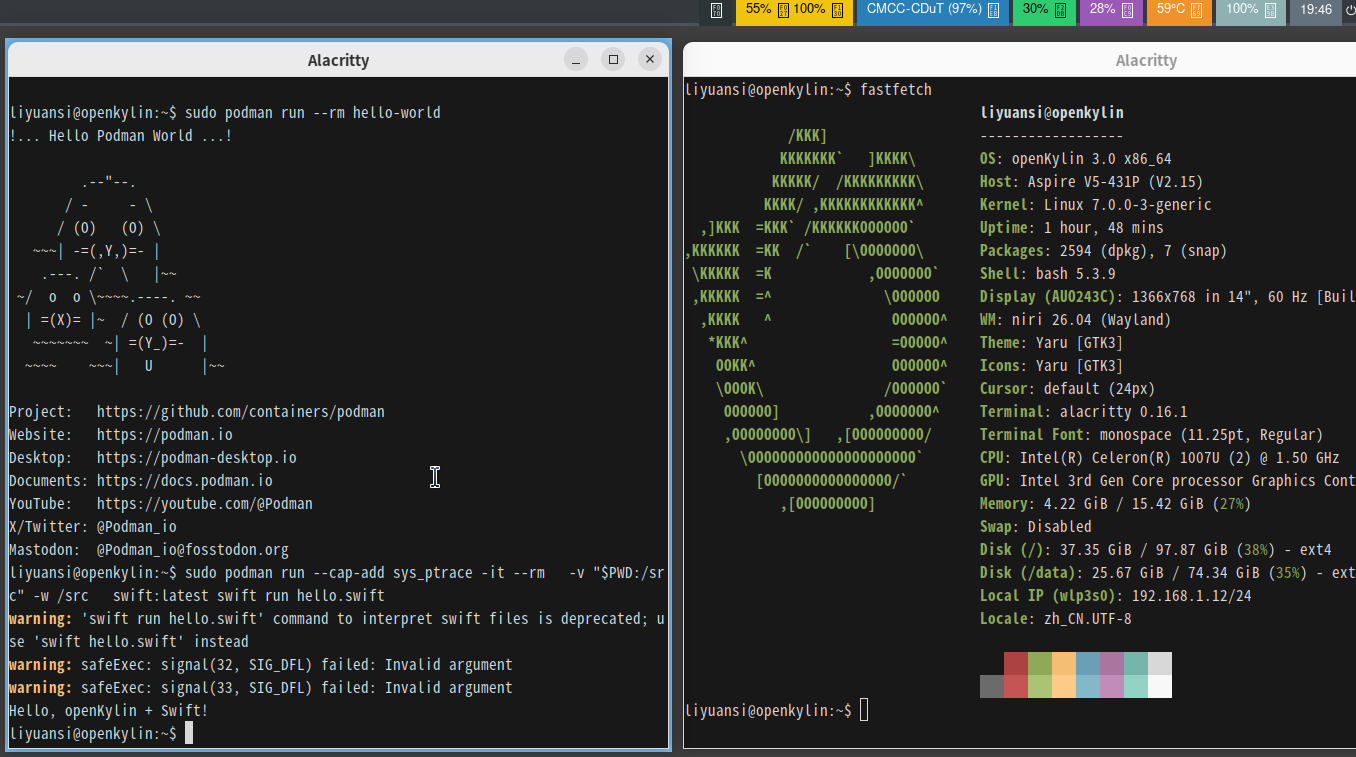
这样我们不但安装了容器podman
还在容器里 运行了swift helloworld

运行官方 docker/welcome-to-docker
$ sudo podman run --rm docker.io/library/hello-world