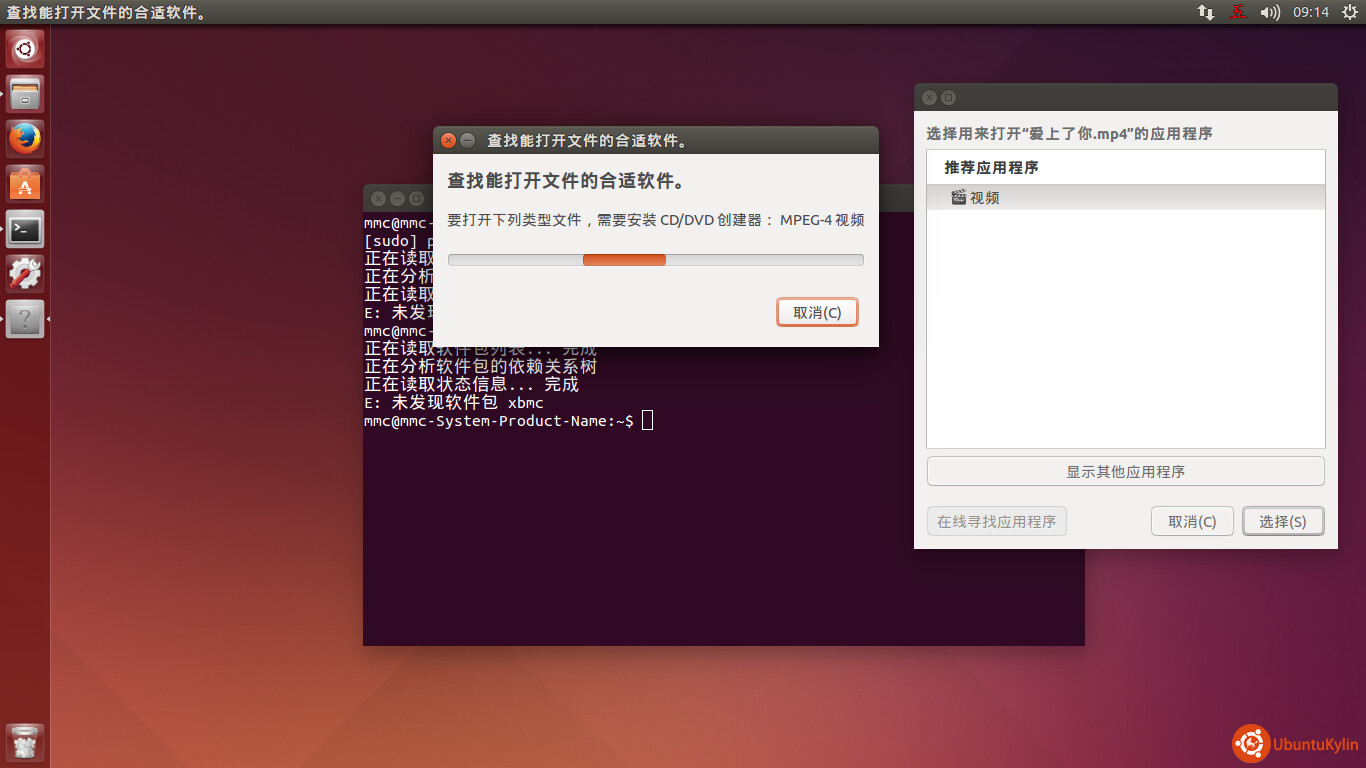
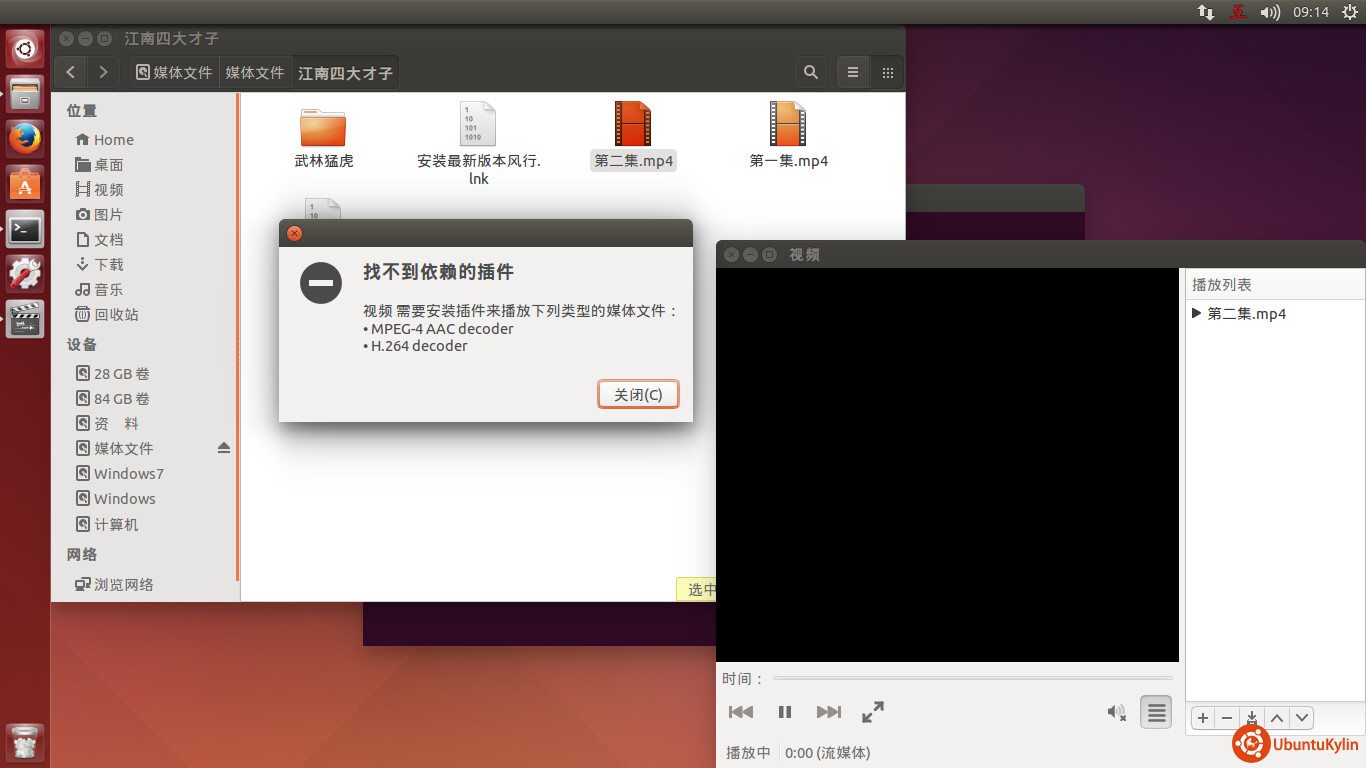
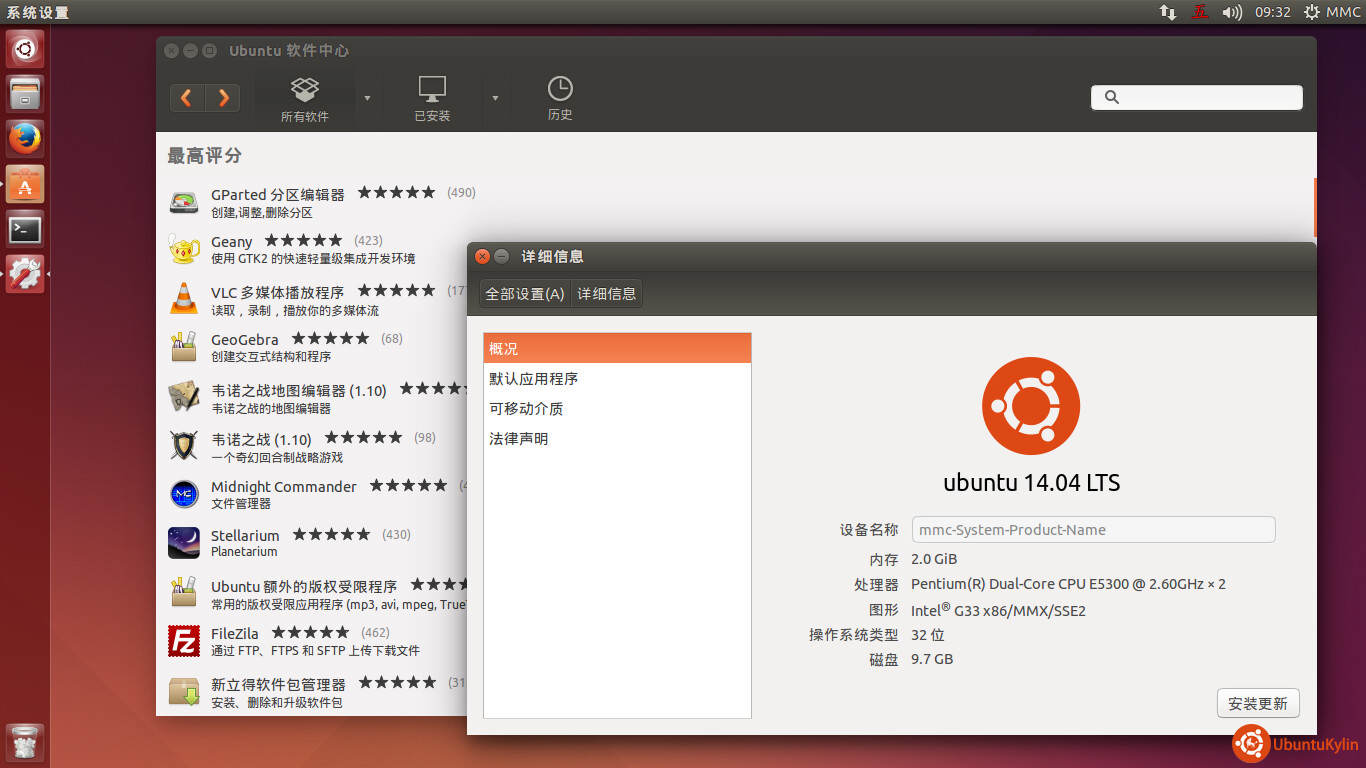
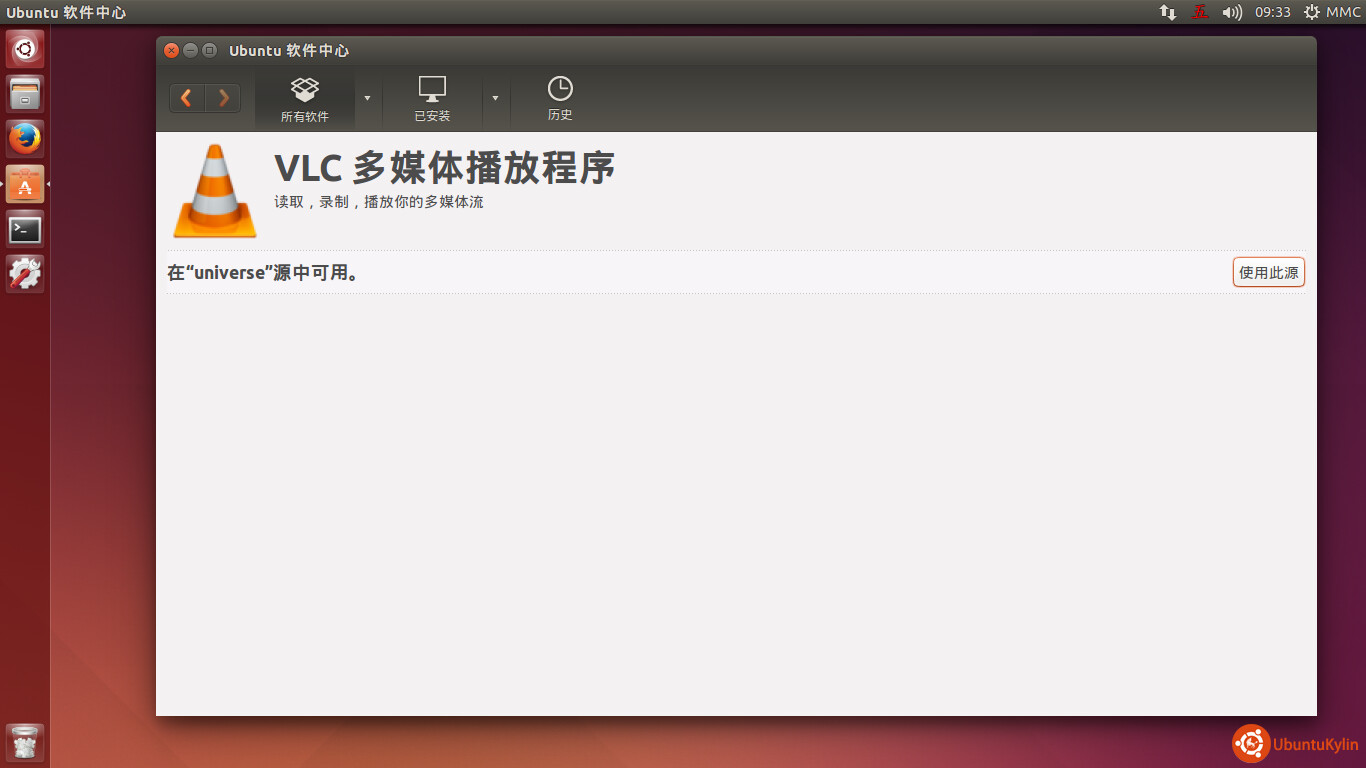
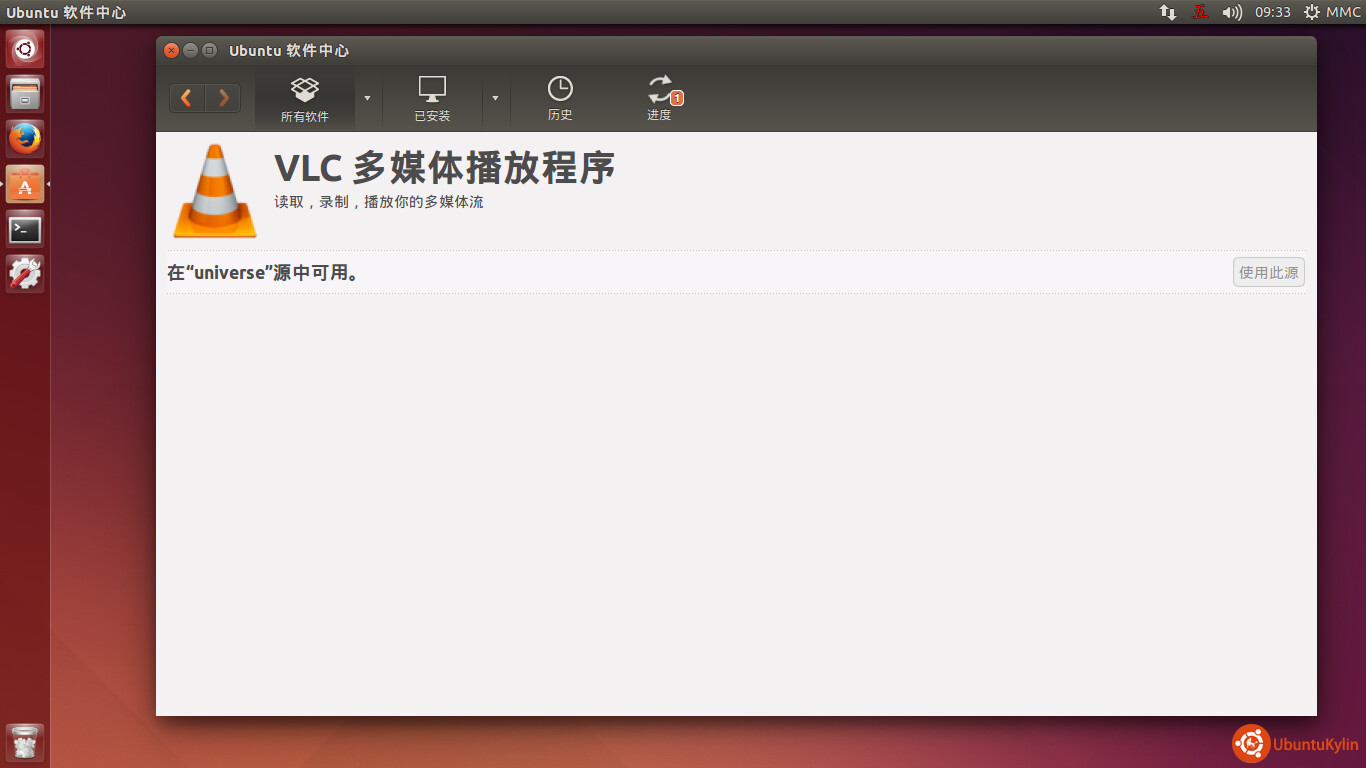
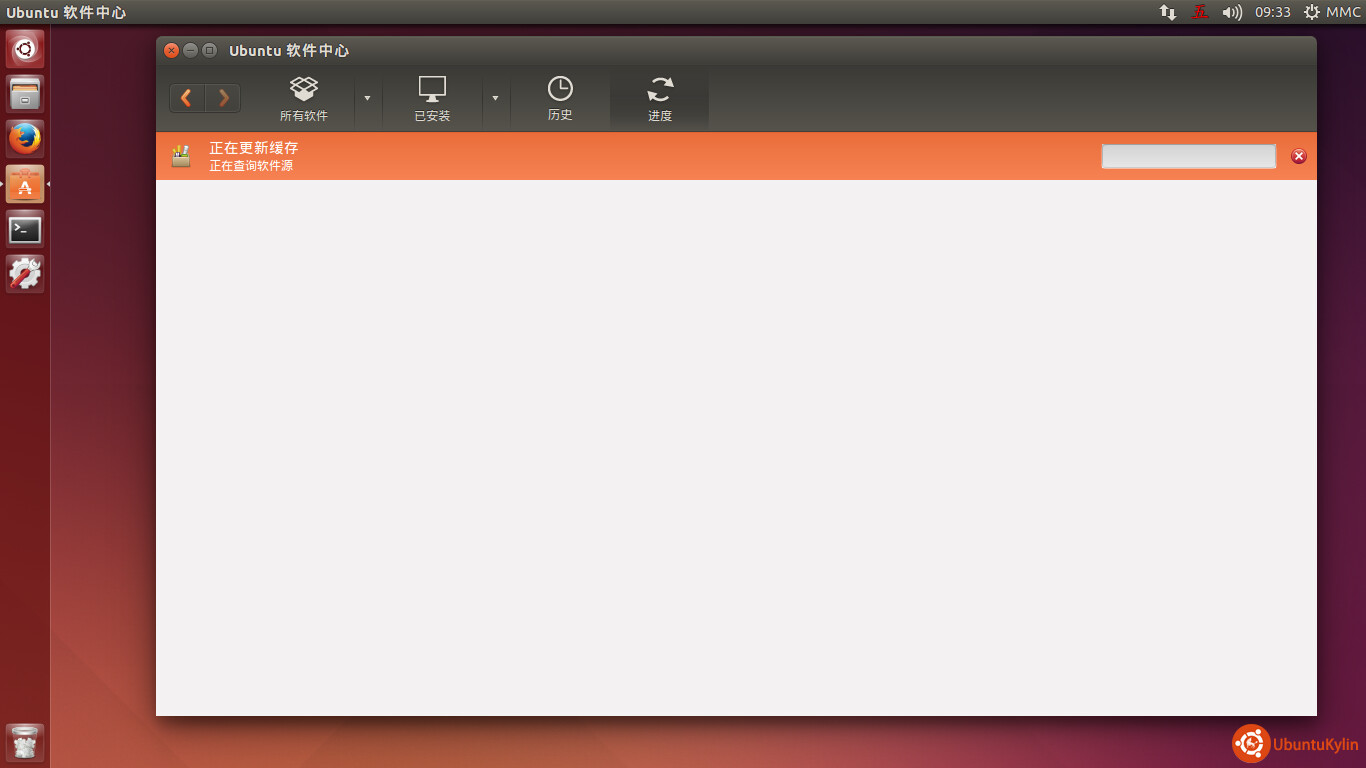
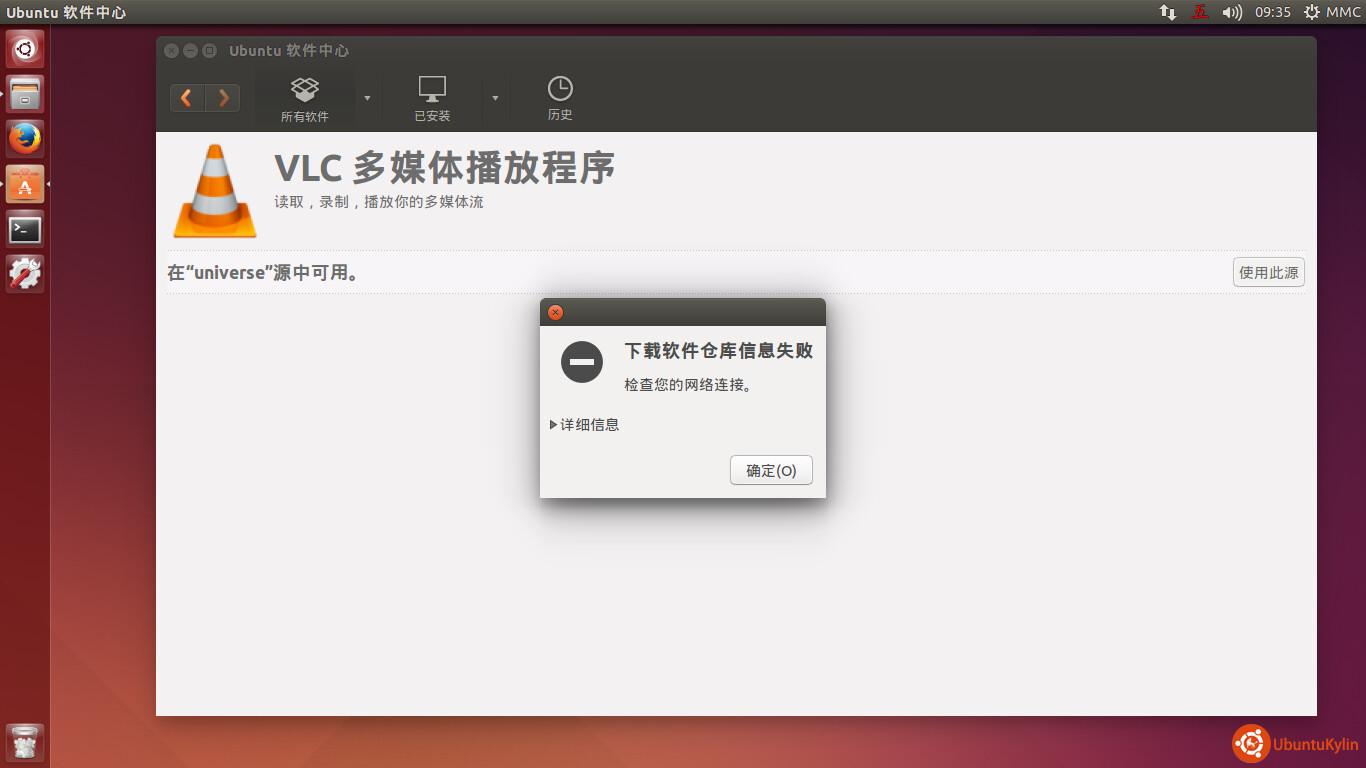
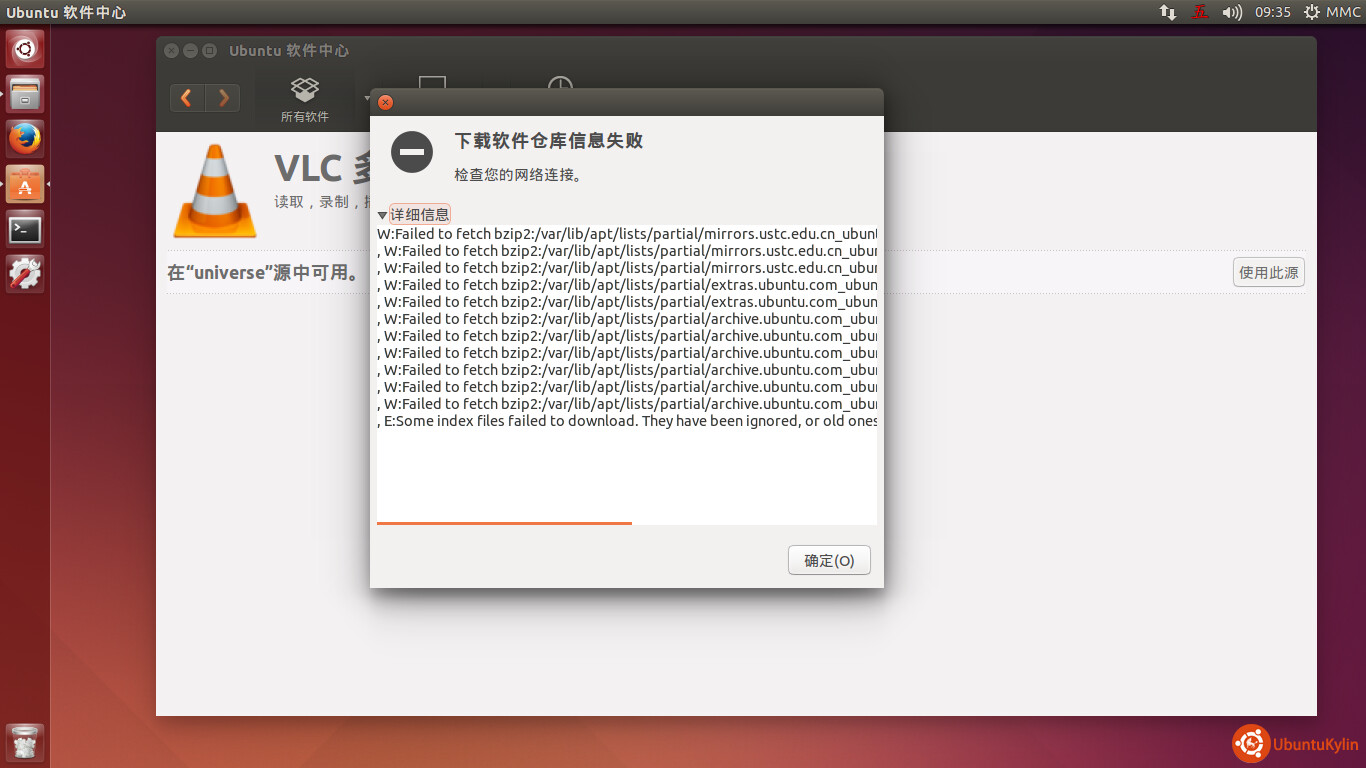
如图:
使用的源:如下:
deb cdrom:[Ubuntu 14.04 LTS Trusty Tahr - Release i386 (20140417)]/ trusty main restricted
See http://help.ubuntu.com/community/UpgradeNotes for how to upgrade to
newer versions of the distribution.
deb http://archive.ubuntu.com/ubuntu trusty main restricted
deb-src http://archive.ubuntu.com/ubuntu trusty main restricted
Major bug fix updates produced after the final release of the
distribution.
deb http://archive.ubuntu.com/ubuntu trusty-updates main restricted
deb-src http://archive.ubuntu.com/ubuntu trusty-updates main restricted
N.B. software from this repository is ENTIRELY UNSUPPORTED by the Ubuntu
team. Also, please note that software in universe WILL NOT receive any
review or updates from the Ubuntu security team.
deb http://archive.ubuntu.com/ubuntu trusty universe
deb-src http://archive.ubuntu.com/ubuntu trusty universe
deb http://archive.ubuntu.com/ubuntu trusty-updates universe
deb-src http://archive.ubuntu.com/ubuntu trusty-updates universe
N.B. software from this repository is ENTIRELY UNSUPPORTED by the Ubuntu
team, and may not be under a free licence. Please satisfy yourself as to
your rights to use the software. Also, please note that software in
multiverse WILL NOT receive any review or updates from the Ubuntu
security team.
deb http://archive.ubuntu.com/ubuntu trusty multiverse
deb-src http://archive.ubuntu.com/ubuntu trusty multiverse
deb http://archive.ubuntu.com/ubuntu trusty-updates multiverse
deb-src http://archive.ubuntu.com/ubuntu trusty-updates multiverse
N.B. software from this repository may not have been tested as
extensively as that contained in the main release, although it includes
newer versions of some applications which may provide useful features.
Also, please note that software in backports WILL NOT receive any review
or updates from the Ubuntu security team.
deb http://archive.ubuntu.com/ubuntu trusty-backports main restricted universe multiverse
deb-src http://archive.ubuntu.com/ubuntu trusty-backports main restricted universe multiverse
deb http://archive.ubuntu.com/ubuntu trusty-security main restricted
deb-src http://archive.ubuntu.com/ubuntu trusty-security main restricted
deb http://archive.ubuntu.com/ubuntu trusty-security universe
deb-src http://archive.ubuntu.com/ubuntu trusty-security universe
deb http://archive.ubuntu.com/ubuntu trusty-security multiverse
deb-src http://archive.ubuntu.com/ubuntu trusty-security multiverse
Uncomment the following two lines to add software from Canonical’s
‘partner’ repository.
This software is not part of Ubuntu, but is offered by Canonical and the
respective vendors as a service to Ubuntu users.
deb http://archive.canonical.com/ubuntu trusty partner
deb-src http://archive.canonical.com/ubuntu trusty partner
This software is not part of Ubuntu, but is offered by third-party
developers who want to ship their latest software.
deb http://extras.ubuntu.com/ubuntu trusty main
deb http://archive.ubuntu.com/ubuntu trusty restricted multiverse
deb-src http://mirrors.ustc.edu.cn/ubuntu/ trusty main restricted universe multiverse
deb http://archive.ubuntu.com/ubuntu trusty-security restricted multiverse
deb-src http://mirrors.ustc.edu.cn/ubuntu/ trusty-security main restricted universe multiverse
deb http://archive.ubuntu.com/ubuntu trusty-updates restricted multiverse
deb-src http://mirrors.ustc.edu.cn/ubuntu/ trusty-updates main restricted universe multiverse
deb-src http://extras.ubuntu.com/ubuntu trusty main
后来加入中科大的源,也不行!!!why???