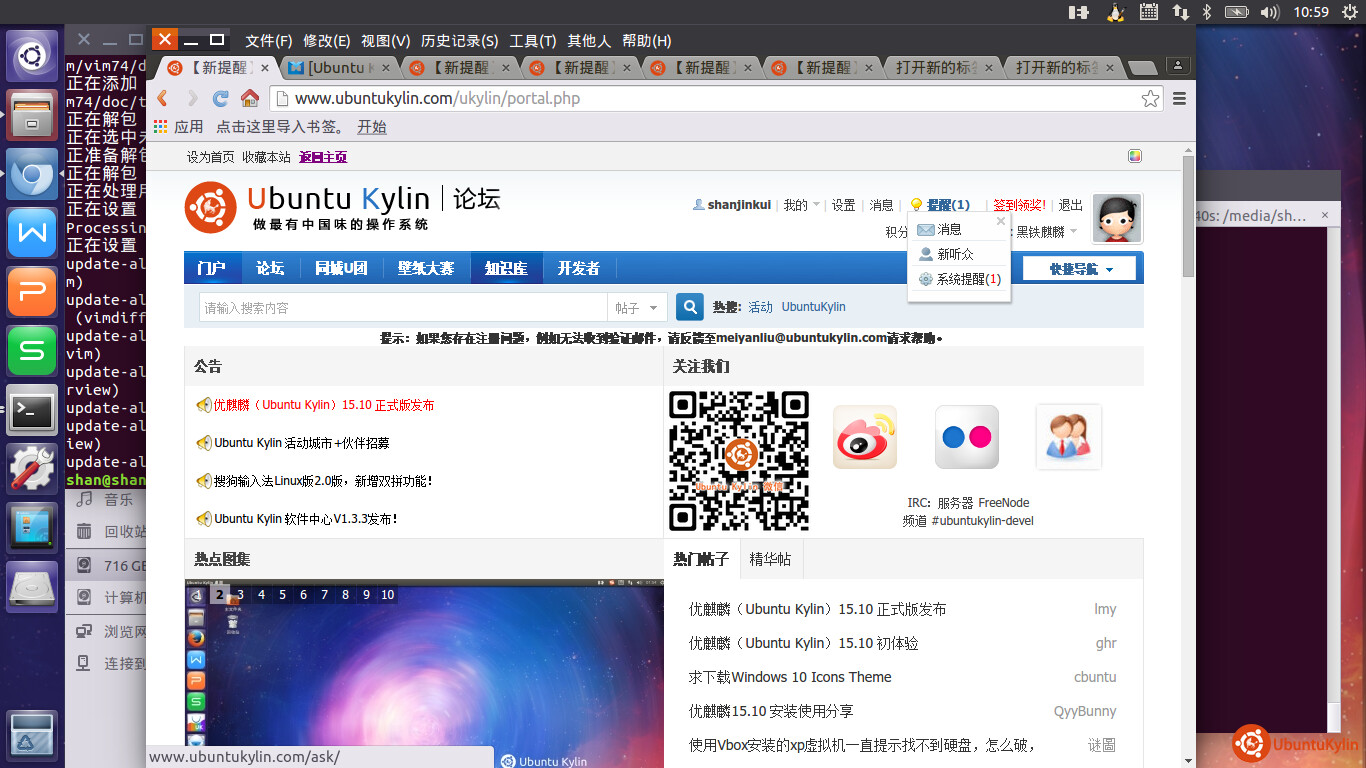
简单的体验了一把Ubuntu Kylin 15.10 ,说说我的小体验。
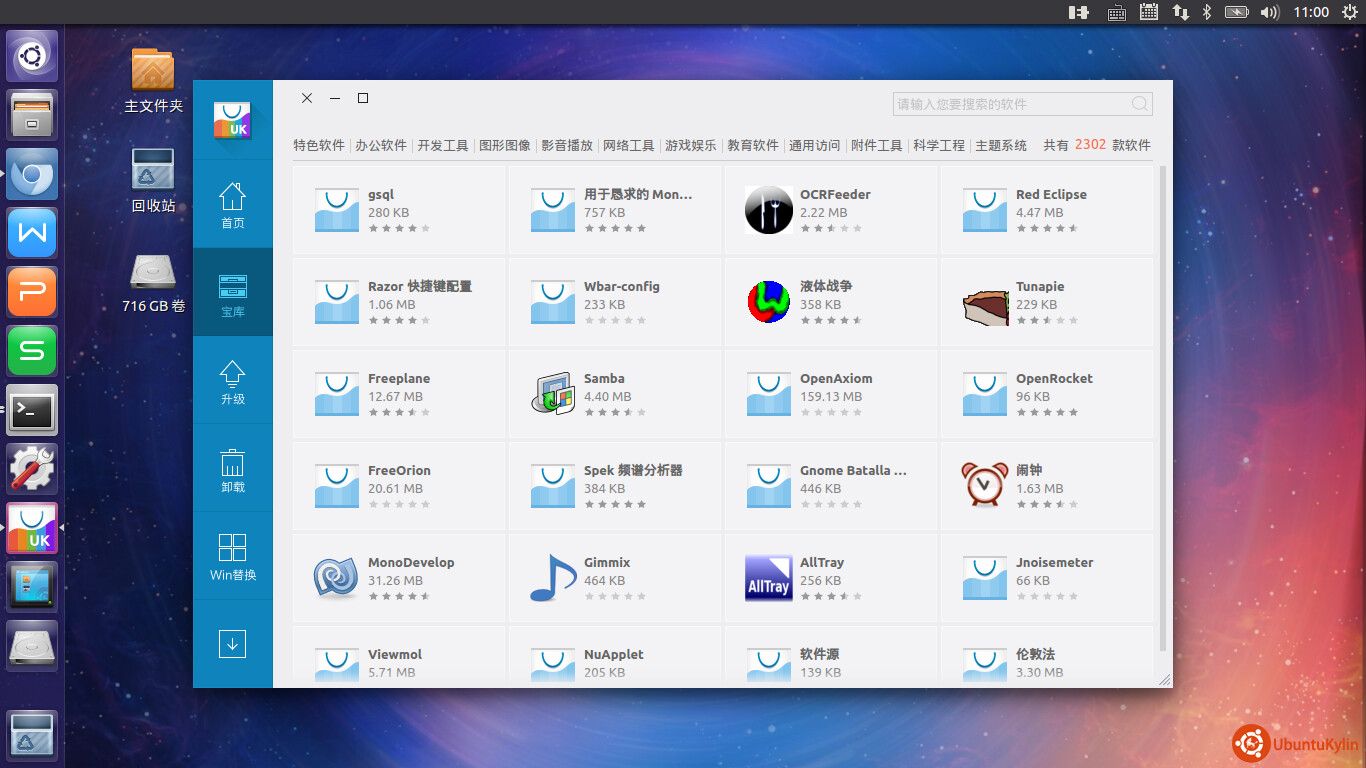
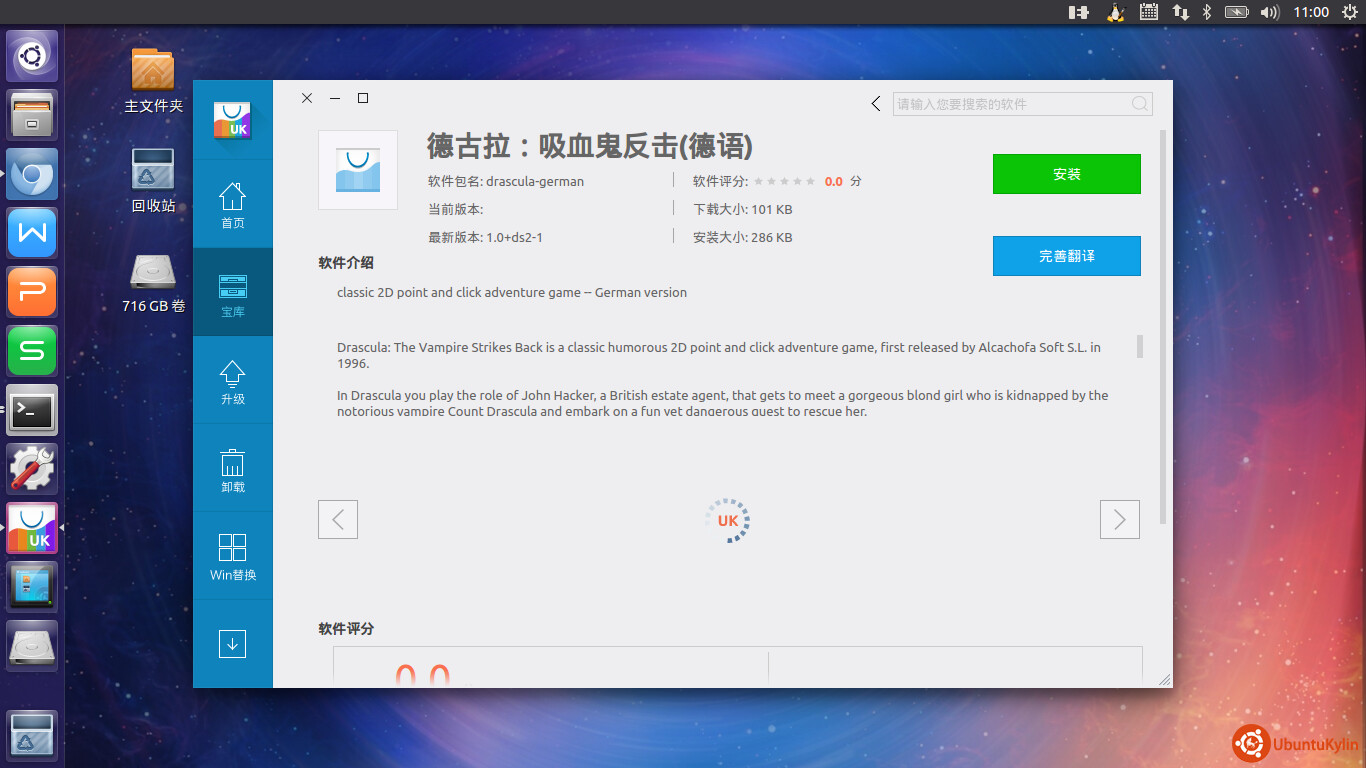
新版本UK系统的软件中心提供了丰富的游戏软件和下载工具。
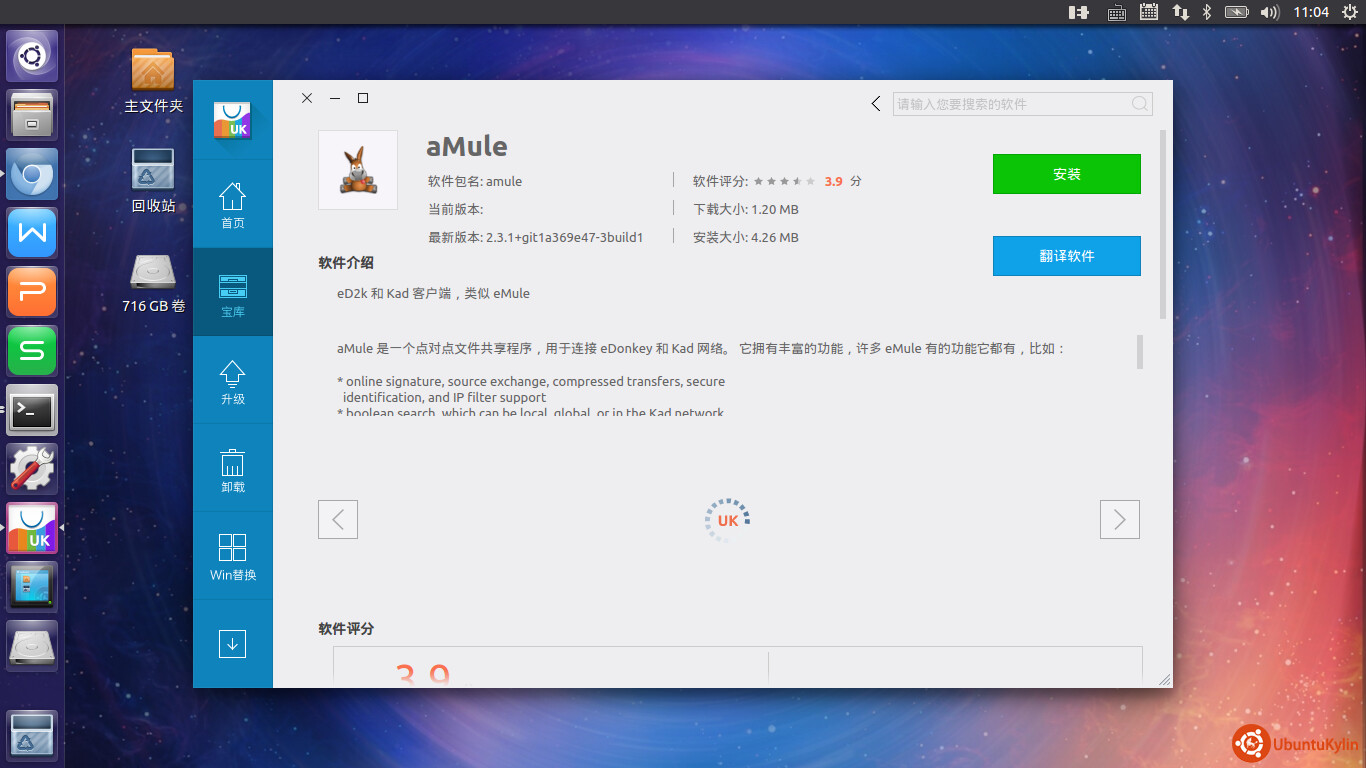
还支持aMule哦~~~~~~~~~
新版本1510加了很多新元素哦哦~~~~~~~~~~~~~~~~~~~~~
kernel : 4.2
init : systemd
新系统全面引入 systemd 管理系统!!!!
查看系统服务启动情况
shan@shan-ThinkPad-X240s:~$ systemctl list-units
UNIT LOAD ACTIVE SUB DESCRIPTION
proc-sys-fs-binfmt_misc.automount loaded active waiting Arbitrary Executable F
sys-devices-pci0000:00-0000:00:02.0-drm-card0-card0\x2deDP\x2d1-intel_backlight.
sys-devices-pci0000:00-0000:00:03.0-sound-card0.device loaded active plugged H
sys-devices-pci0000:00-0000:00:14.0-usb1-1\x2d7-1\x2d7:1.0-bluetooth-hci0-rfkill
sys-devices-pci0000:00-0000:00:14.0-usb1-1\x2d7-1\x2d7:1.0-bluetooth-hci0.device
sys-devices-pci0000:00-0000:00:19.0-net-enp0s25.device loaded active plugged E
sys-devices-pci0000:00-0000:00:1b.0-sound-card1.device loaded active plugged 8
sys-devices-pci0000:00-0000:00:1c.1-0000:03:00.0-ieee80211-phy0-rfkill2.device l
sys-devices-pci0000:00-0000:00:1c.1-0000:03:00.0-net-wlp3s0.device loaded active
sys-devices-pci0000:00-0000:00:1f.2-ata1-host0-target0:0:0-0:0:0:0-block-sda-sda
sys-devices-pci0000:00-0000:00:1f.2-ata1-host0-target0:0:0-0:0:0:0-block-sda-sda
sys-devices-pci0000:00-0000:00:1f.2-ata1-host0-target0:0:0-0:0:0:0-block-sda-sda
sys-devices-pci0000:00-0000:00:1f.2-ata1-host0-target0:0:0-0:0:0:0-block-sda.dev
sys-devices-pci0000:00-0000:00:1f.2-ata2-host1-target1:0:0-1:0:0:0-block-sdb-sdb
sys-devices-pci0000:00-0000:00:1f.2-ata2-host1-target1:0:0-1:0:0:0-block-sdb.dev
sys-devices-platform-serial8250-tty-ttyS0.device loaded active plugged /sys/de
sys-devices-platform-serial8250-tty-ttyS1.device loaded active plugged /sys/de
sys-devices-platform-serial8250-tty-ttyS10.device loaded active plugged /sys/d
sys-devices-platform-serial8250-tty-ttyS11.device loaded active plugged /sys/d
sys-devices-platform-serial8250-tty-ttyS12.device loaded active plugged /sys/d
sys-devices-platform-serial8250-tty-ttyS13.device loaded active plugged /sys/d
sys-devices-platform-serial8250-tty-ttyS14.device loaded active plugged /sys/d
查看服务器运行状态
shan@shan-ThinkPad-X240s:~$ systemctl status sshd
● ssh.service - OpenBSD Secure Shell server
Loaded: loaded (/lib/systemd/system/ssh.service; enabled; vendor preset: enabled)
Active: active (running) since 一 2015-11-02 08:16:50 CST; 2h 54min ago
Process: 1123 ExecReload=/bin/kill -HUP $MAINPID (code=exited, status=0/SUCCESS)
Main PID: 684 (sshd)
CGroup: /system.slice/ssh.service
└─684 /usr/sbin/sshd -D
11月 02 08:16:53 shan-ThinkPad-X240s systemd[1]: Reloaded OpenBSD Secure She…
11月 02 08:16:53 shan-ThinkPad-X240s sshd[684]: Server listening on 0.0.0.0…
11月 02 08:16:53 shan-ThinkPad-X240s sshd[684]: Server listening on :: port 22.
11月 02 08:16:53 shan-ThinkPad-X240s systemd[1]: Reloading OpenBSD Secure Sh…
11月 02 08:16:53 shan-ThinkPad-X240s sshd[684]: Received SIGHUP; restarting.
11月 02 08:16:53 shan-ThinkPad-X240s systemd[1]: Reloaded OpenBSD Secure She…
11月 02 08:16:53 shan-ThinkPad-X240s sshd[684]: Server listening on 0.0.0.0…
11月 02 08:16:53 shan-ThinkPad-X240s sshd[684]: Server listening on :: port 22.
11月 02 11:10:59 shan-ThinkPad-X240s sshd[24933]: Accepted password for shan…
11月 02 11:10:59 shan-ThinkPad-X240s sshd[24933]: pam_unix(sshd:session): se…
Hint: Some lines were ellipsized, use -l to show in full.
停止服务
systemctl stop sshd
启动服务
systemctl start sshd
设置服务开机启动
systemctl enable sshd
禁止服务开机启动
systemctl disable sshd